News › Launches
Liquid Gold: How Beverage Brands Scale Product Launches
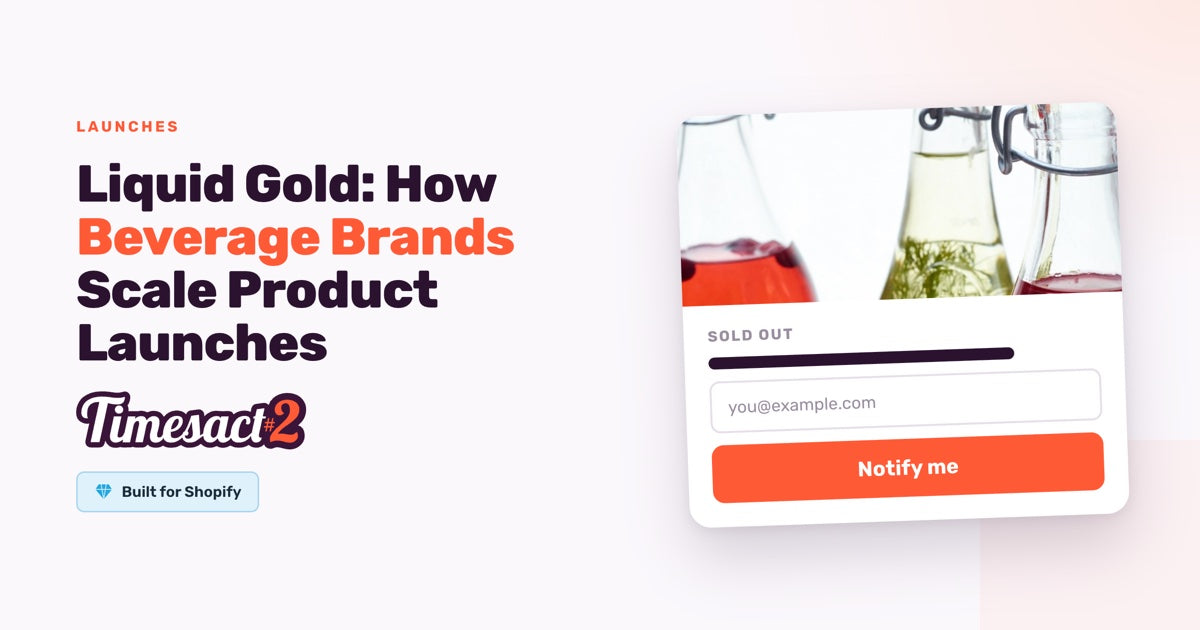
Managing a high-growth beverage brand is a balancing act of timing and inventory. Between coordinating supply chain logistics and building consumer hype, the threat of a stockout is always present. But forward-thinking beverage entrepreneurs keep selling where a “Sold Out” badge would appear: the product page takes preorders while the next production run is made.
Whether you are launching a new functional soda, an energy drink, or a seasonal cold brew, the momentum behind your brand can often outpace your current stock levels. The goal is to keep that excitement alive without leaving money on the table.
The Beverage Industry’s Launch Challenge
In the beverage world, demand often comes in spikes. A mention by a major influencer or a feature on a television show can lead to a surge in traffic that clears out months of inventory in hours.
Unlike apparel or electronics, beverages have unique replenishment dynamics. Production runs are often high-volume, and lead times from manufacturing facilities can be several weeks or even months. This gap between selling out and restocking creates a dangerous “silent period” where customers may turn to competitors if they see your hero products are unavailable.
Solving the "Out of Stock" Stress
During a recent onboarding session with a fast-growing energy drink brand, the merchant was facing several critical pressure points:
- Fear of Missed Sales: Launching a product without having the full physical inventory ready for immediate shipment.
- Launch Timing Anxiety: Coordinating an online store launch with external media exposure to ensure every potential customer can purchase.
- Transparent Customer Comms: Needing a clear way to tell customers that while the product isn’t ready to ship today, they can secure their case now.
- Workflow Integration: Ensuring that preorders sync correctly with existing Shopify inventory logic without creating manual work for the operations team.
How Timesact Powers Beverage Workflows
Timesact allows beverage brands to bridge the gap between production and delivery, so a product that runs out of stock can keep selling instead of showing Sold out.
Preorders for Continuous Sales
For a beverage brand, preorders act as a safety net. Instead of showing a “Sold Out” button, Timesact switches your product page to an active preorder state once stock hits zero, with When Pre-order shows set to “Only when out of stock”. This allows you to capture sales during a restocking window and improve your store’s cash flow before the production run is even finished.
Setting Clear Delivery Expectations
Beverage customers are typically happy to wait if they know when their order will arrive. Timesact enables you to display specific shipping dates or lead times directly on the product page and in the cart. The date comes from Shipping in your Customer Experience’s Functionality settings (an Exact date, A set time from checkout or A time range from checkout), and the {{shippingDate}} smart variable shows it in your pre-order message. Write the same lead time into the cart label on the experience’s Cart page, and it follows the item into the cart and checkout. This transparency builds trust and reduces the volume of “where is my order?” tickets in your support inbox.
Managing Limited Batch Drops
If you are doing a limited-run seasonal flavor, you can set hard limits on the number of preorders available. The limit is the Pre-order quantity you set on each variant in Products, so a 12-pack and a 24-pack can each have their own number, and once a variant reaches it, its button goes back to Add to cart or Sold out. This prevents overselling your production capacity while creating a sense of urgency for your most loyal fans.
Implementation Tips for Beverage Brands
Setting up your first preorder doesn’t have to be complex. Here is how to build preorder product pages that convert:
- Use Variant-Level Control: If you have 12-packs in stock but 24-packs are sold out, you can enable preorders for the 24-packs only.
- Customize Your CTA: Change the button that replaces “Add to Cart” to something more descriptive like “Pre-order Now” or “Secure My Case”. It is the button text on your Customer Experience’s Product page.
-
Use Order Tagging: Every preorder placed on your Online Store is automatically tagged
Pre-orderin Shopify (plusPartial Pre-orderwhen the cart also holds in-stock items), so your fulfillment center knows which orders to prioritize once the stock arrives. - Automated Status Updates: With “Only when out of stock”, Timesact switches a product from “Pre-order” back to “Add to cart” as soon as your inventory numbers are updated in Shopify.
- Test on Active Products: Before a major launch, place a test order on an active product to preview the checkout and the confirmation emails your customers will receive.
Results You Can Expect
By integrating Timesact into your beverage brand’s operations, you can shift from a reactive to a proactive inventory strategy. Qualitative results typically include:
- Increased Brand Trust: Customers appreciate the option to secure a high-demand product rather than constantly checking back for restocks.
- Predictable Planning: Preorder data gives you a clearer picture of demand, helping you plan future production runs more accurately.
- Reduced Stress During Drops: When you know your store can handle a spike in traffic without “breaking” your inventory logic, launches become far more manageable.
The Beverage Preorder Playbook
- Identify Lead Times: Calculate exactly how many weeks it takes from a production start to stock arrival.
- Assign a Customer Experience: In Timesact’s Experiences tab, create a Customer Experience with Pre-order, write clear messaging about shipping timelines on its Product page and set the shipping date under Shipping. Assign it to your products in Products, then enable the Timesact App Embed on the theme you publish (Online Store → Themes → Customize → App embeds) and click Save in the theme editor.
- Launch Your Drop: Enable preorders across all affected variants and monitor sales through the Shopify dashboard and the pre-order Sales report in Timesact’s Analytics tab.
- Update Inventory: Once the production run arrives, update your Shopify inventory levels; Timesact handles the transition back to standard sales.
Ready to Secure Your Beverage Drops?
Don’t let inventory gaps slow down your brand’s momentum. Timesact provides the tools you need to stay in stock, even when you’re out of stock.
FAQs
Can I offer a discount for customers who preorder my beverage?
Yes. Set Pricing in your pre-order Customer Experience to Percentage off or Fixed amount off, and Timesact applies the discount automatically to preorder items, which can be a great way to reward early supporters for their patience.
Will my customers receive two order confirmations?
Yes, once you turn on Timesact’s confirmation email. Customers always receive the standard Shopify order confirmation. Set the Confirmation email under Notifications to Live, and they also receive a preorder email from Timesact, which you can edit so it carries your delivery expectations.
Can I run "Pre-order" and "Back in Stock" notifications at the same time?
Yes. Add both Pre-order and Back in Stock to one Customer Experience, or assign two experiences to the product, and the Pre-order button and the Notify Me sign-up show together. Your customers can choose between securing their order now via preorder or simply signing up for a notification when the item is officially back in stock.
How do I handle high-variant products like different flavor packs?
Timesact operates at the variant level, so you can precisely control which flavors or pack sizes are available for preorder while others remain as standard sales.
What happens if my shipping date changes?
If your manufacturing run is delayed, update the date under Shipping in your Customer Experience, and the {{shippingDate}} in your pre-order message shows the new date to your customers on the storefront. Customers who already ordered can get the new date by email. The Shipping delay email sits under Notifications in your Customer Experience, and you send it from Timesact’s Analytics tab: select their orders, choose Send shipping delay email and enter the new date.
Run this in Timesact
Pre-order, back in stock, coming soon and more. One app, no code.
Install the app →