News › Pre-Order
What to Do When Your Preorder Sells Out:Turn Surging Demand

When Your Preorder Campaign Sells Out Too Fast
Preorder sold out? That’s a good problem to have, but only if you know how to handle the next step. Selling out means your Shopify product resonated and your launch hit the mark. But what about all the customers who came looking after it was gone?
Every lost preorder is potential revenue left on the table. But it doesn’t have to be.
If your preorder sold out, don’t panic. You can turn that surging demand into future sales by setting up Shopify back in stock alerts. It’s a simple way to capture overflow demand and keep your momentum going.

Why Limiting Preorder Inventory Is Smart, but Risky
Setting a limit on your preorder inventory is often necessary. Whether you’re working with tight fulfillment timelines or restricted by what your manufacturer can deliver, capping preorders helps you stay on track and avoid delays.
It’s also a smart move for your brand. Selling only what you can confidently ship protects your reputation. Customers remember when you deliver on time, and they definitely remember when you don’t.
But here’s the risk: if your preorder sold out and you don’t have a plan to capture demand after sell out, you’re leaving money on the table. Without a system to notify shoppers when you restock, they’re gone, and they might not come back.
How to Capture Overflow Demand with Timesact
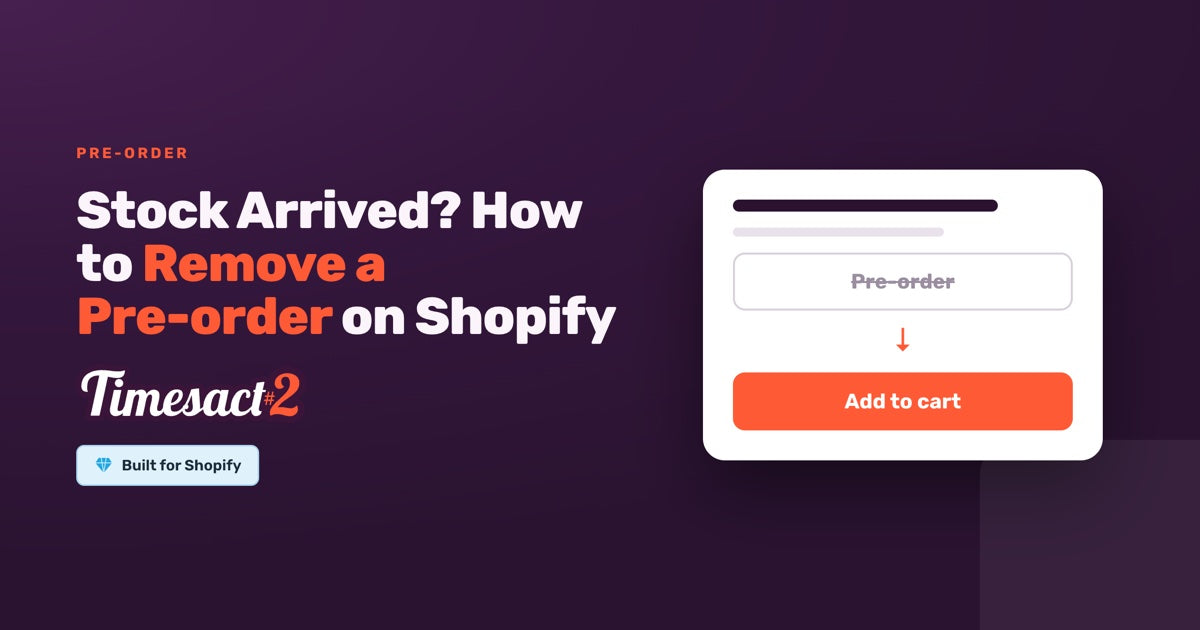
Set a pre-order limit on each variant in Timesact. When a variant reaches its limit, the Pre-order button goes back to Add to Cart or Sold Out on its own, so you never take more pre-orders than you can ship. Add the Back in Stock (Notify Me) functionality to the same product and its sign-up form sits under the Pre-order button: shoppers can pre-order while units last, and once the pre-order closes they can still ask to be told when more arrive.
This keeps customer interest alive without overselling. You stay in control of your preorder inventory limits, while still giving shoppers a way to raise their hand for the next drop.
Turning Back-in-Stock Notifications Into a Second Wave of Sales
A sold-out preorder can set the stage for a future product launch. Back-in-stock notifications bring that leftover interest back as a second wave of sales.
To get the most out of your pre order restock strategy, focus on three things: timing, messaging, and automation. Send alerts when inventory is truly ready, craft subject lines that highlight the return of a popular item, and let Timesact handle the sending: with your Notify Me email set to Live, it emails every sign-up on its own once the variant is back in stock.
Don’t forget to add urgency. Phrases like “limited restock” or “back by popular demand” plus social proof (like mentioning how fast it sold out the first time) can re-ignite excitement and push waitlist customers to act fast.
Shopify Launch Strategy: Preorder → Waitlist → Restock
A smart Shopify launch strategy sustains demand across the full product lifecycle, well beyond launch day. That’s where the Preorder → Waitlist → Restock flow comes in.
With Timesact, you can map out this entire journey in advance. Start by enabling preorders to build buzz and generate early sales to your Shopify store, even before your inventory lands. Once a variant reaches its preorder inventory limit, the Pre-order button closes on its own, and the Notify Me sign-up you added alongside it keeps collecting interest, with no manual work required.

This shift turns your product page into a waitlist-builder, helping you collect high-intent leads without overpromising. Timesact helps you build a system that keeps working after launch day.
Keep preorder buyers and waitlist signups apart so you can tailor your messaging: every pre-order carries the Pre-order tag in Shopify, and Notify Me sign-ups sit in the app’s subscriber list, which you can export to CSV or use in Klaviyo. Early buyers might get loyalty perks, while waitlisters get first dibs on the restock.
This kind of post-sellout engagement recovers missed sales and builds long-term customer relationships. Thoughtful follow-up turns one-time hype into repeat revenue and helps boost lifetime value.
Bonus Tip: What NOT to Do After Selling Out
When your preorder sells out, don’t let your product page go dark. A blank or inactive page signals to customers that the product might be gone for good, and that’s a missed opportunity.
It’s tempting to just switch off your preorder app the moment inventory runs out, but doing that leaves your product page dead in the water. When customers land on a sold-out page with no clear call to action (CTA), they bounce. No sale, no signup, no future touchpoint.
Instead, use that moment to keep momentum alive. With Timesact, a sold-out product keeps a clear call to action: the Notify Me sign-up for the restock. This keeps the product page working for you, even when you’re temporarily out of stock.
A sold-out product still carries demand. Don’t waste that attention. Give visitors something to do, like joining your waitlist, so you can re-engage them the moment you restock.

Most importantly, be clear about your plans. If a product is coming back, say so. If it’s not, let them know. Don’t leave your customers guessing, and potentially shopping elsewhere.
What Comes After a Sell-Out
When your preorder sells out, your next opportunity begins. With the right tools in place, you can capture overflow demand, build anticipation, and launch a powerful second wave.
Timesact features help you capture demand at every stage of your Shopify product launch. Pre-orders build the hype, back-in-stock sign-ups keep sold-out products collecting interest, and restock emails go out on their own. Set them up once and they keep customers engaged while revenue keeps coming in.
Whether you’re launching a limited drop or managing tight fulfillment, Timesact helps you plan for demand instead of reacting to it.
FAQs
What happens when a preorder sells out fast?
Selling out shows strong demand, but without a plan, you risk losing revenue from late shoppers. Smart Shopify stores capture overflow with back-in-stock alerts to maintain interest and generate future sales.
Why limit preorder inventory?
Capping preorders protects fulfillment timelines and brand reputation. You avoid overpromising and ensure customers who bought early get their orders on time, keeping trust high.
How do back-in-stock alerts help Shopify stores?
Back-in-stock notifications convert missed preorders into second-wave sales. They keep momentum, automate communication, and give shoppers a clear way to hear when inventory returns.
Can Timesact automate sold-out transitions?
Yes, once it’s set up. When a variant reaches its pre-order limit, its Pre-order button goes back to Add to Cart or Sold Out on its own, so no extra pre-orders are taken. Add Back in Stock (Notify Me) to the same product and the sign-up form stays available for shoppers who arrive after the pre-order closes.
How can I maximize revenue after a sellout?
Segment waitlists, automate alerts, use urgency messaging, and highlight social proof. This post-sellout strategy captures high-intent leads, drives second-wave purchases, and strengthens long-term customer relationships.
Run this in Timesact
Pre-order, back-in-stock, coming-soon and more — one app, no code.
Install the app →